
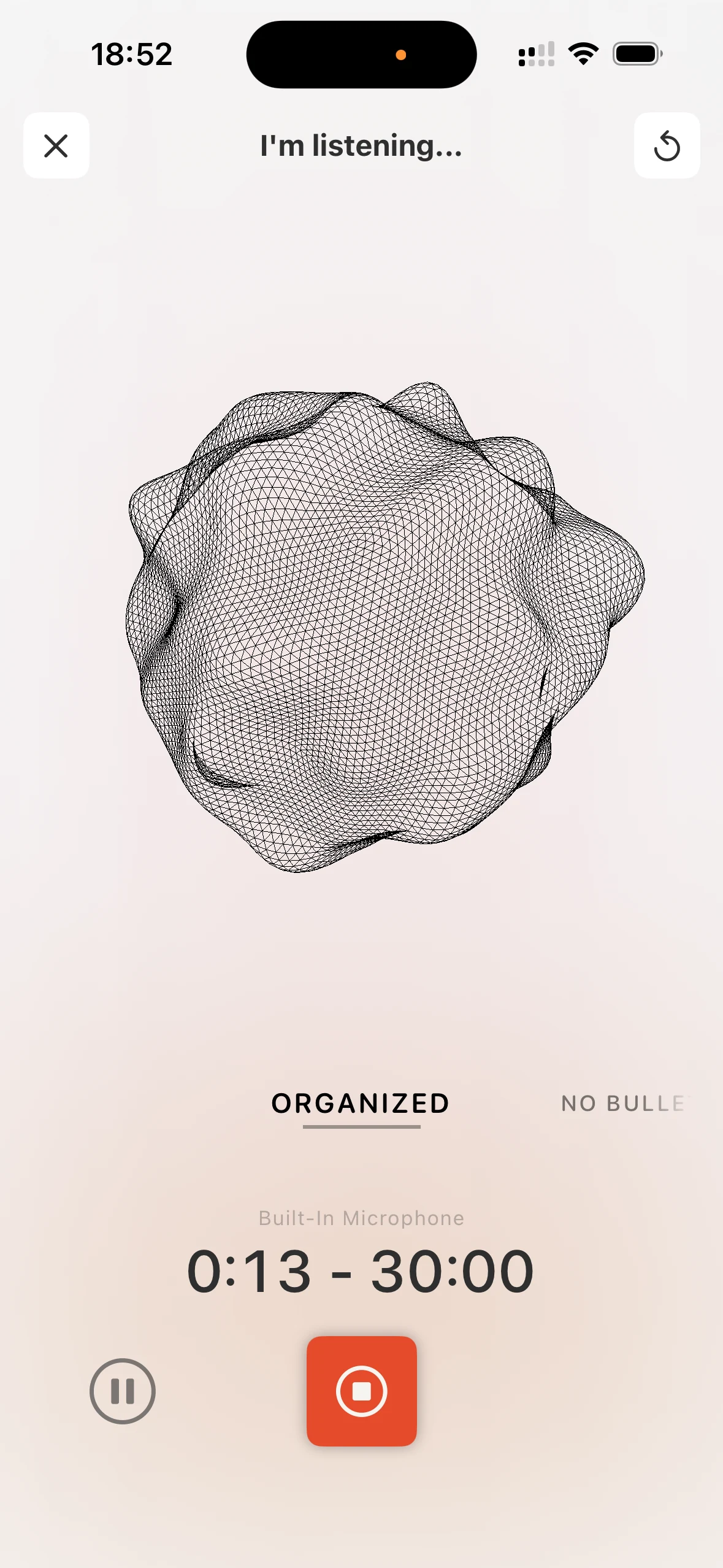
iPhone
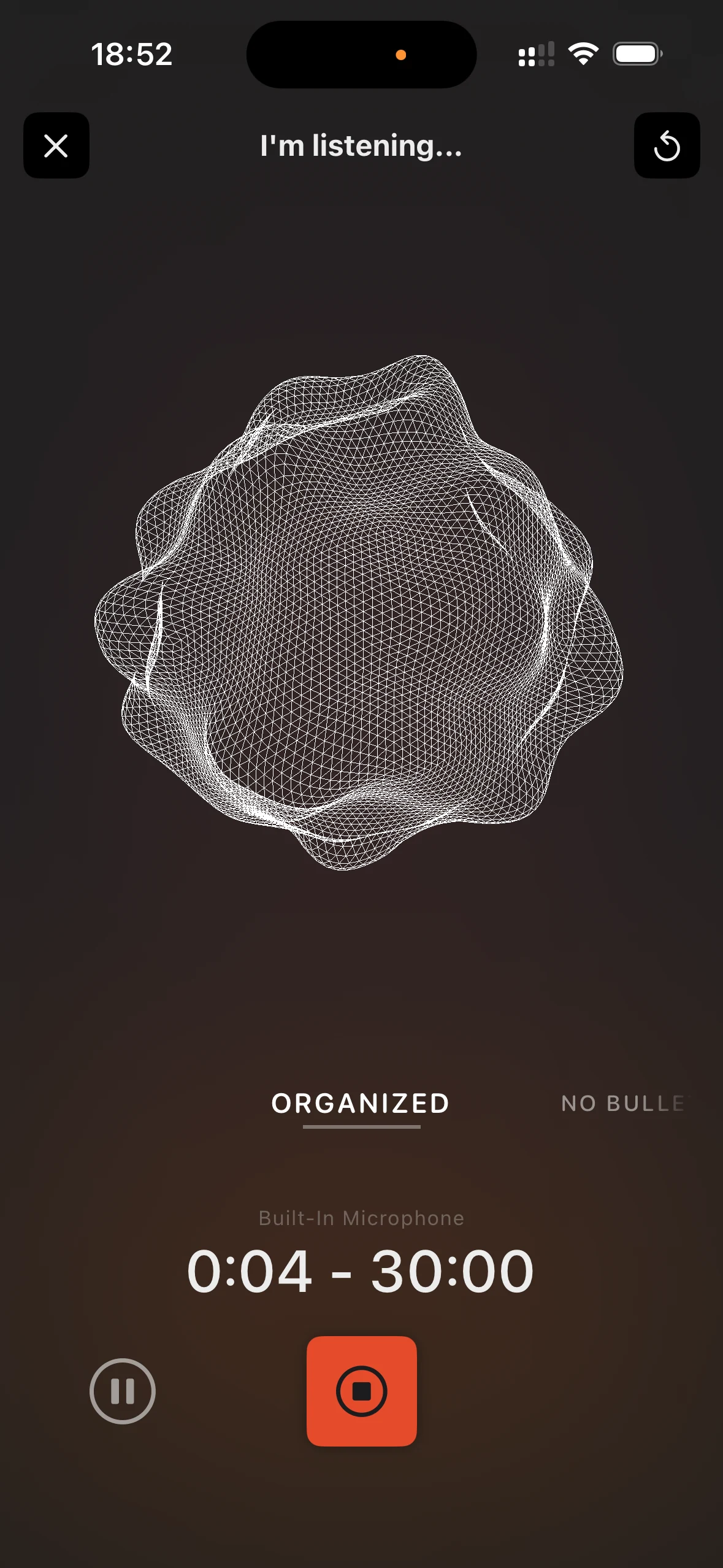
- One-tap recording from anywhere
- Pick note style before recording
- Local Sync setup in Files
- Lock screen widget
- Siri & Shortcuts support
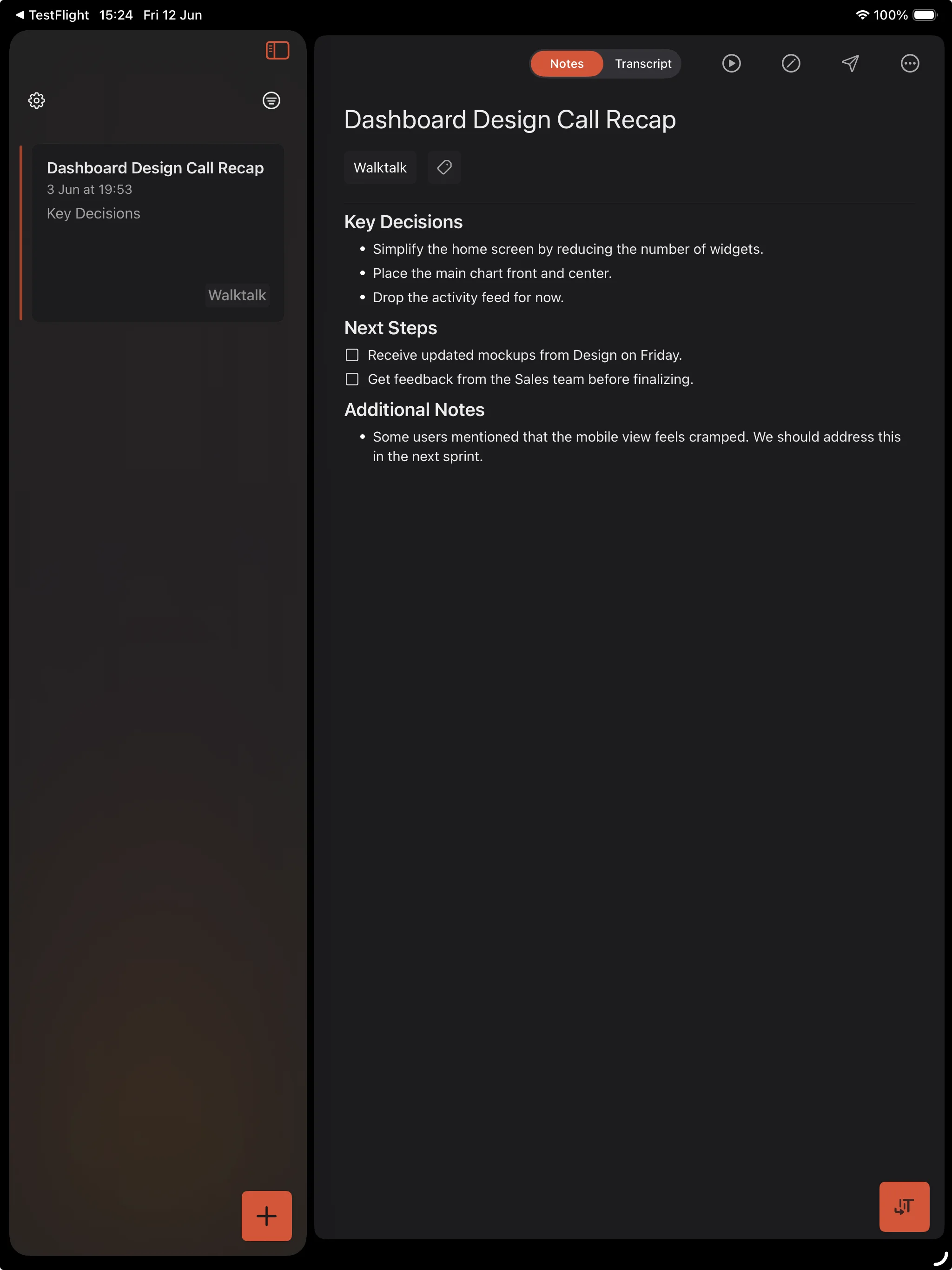
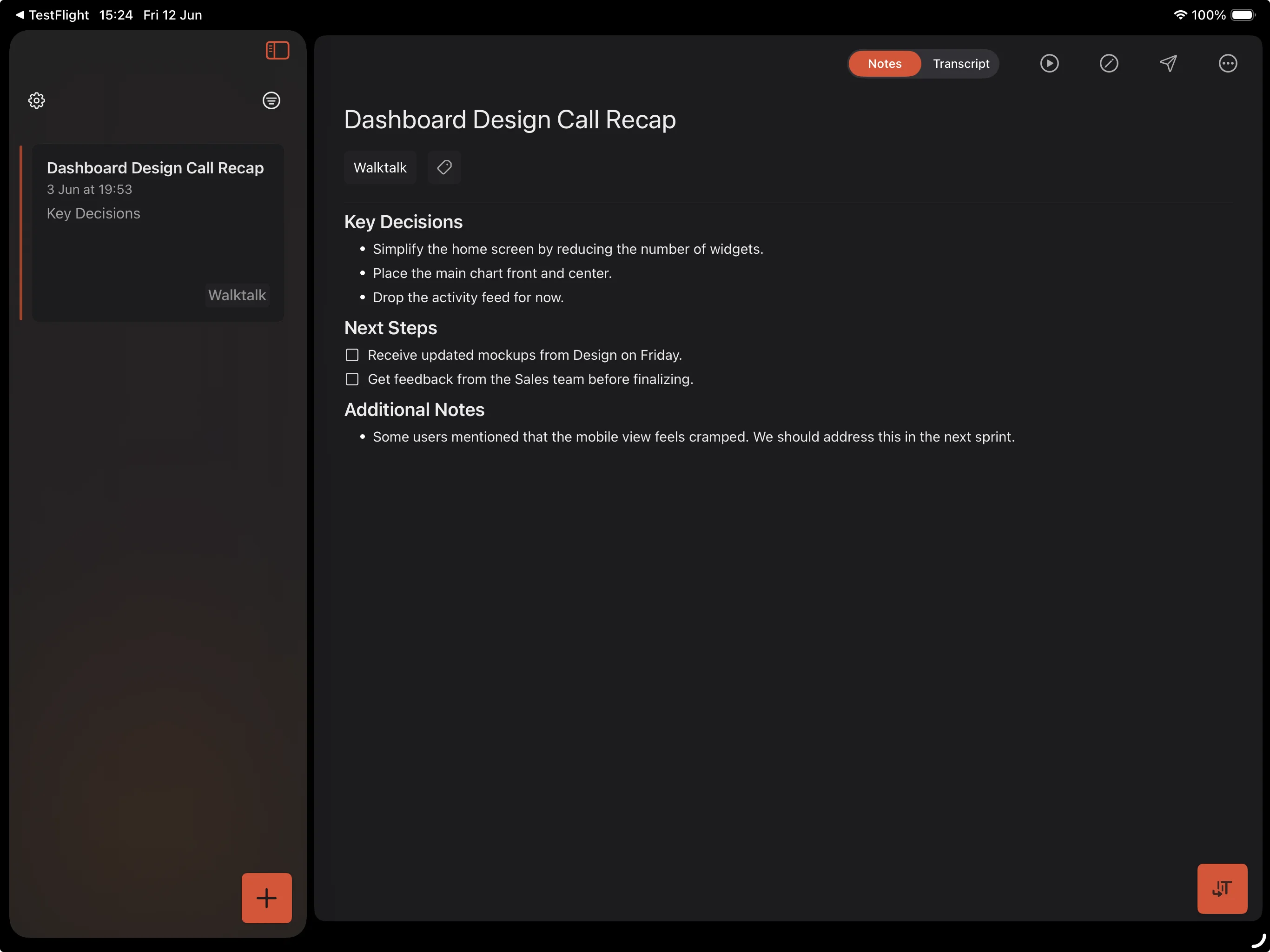
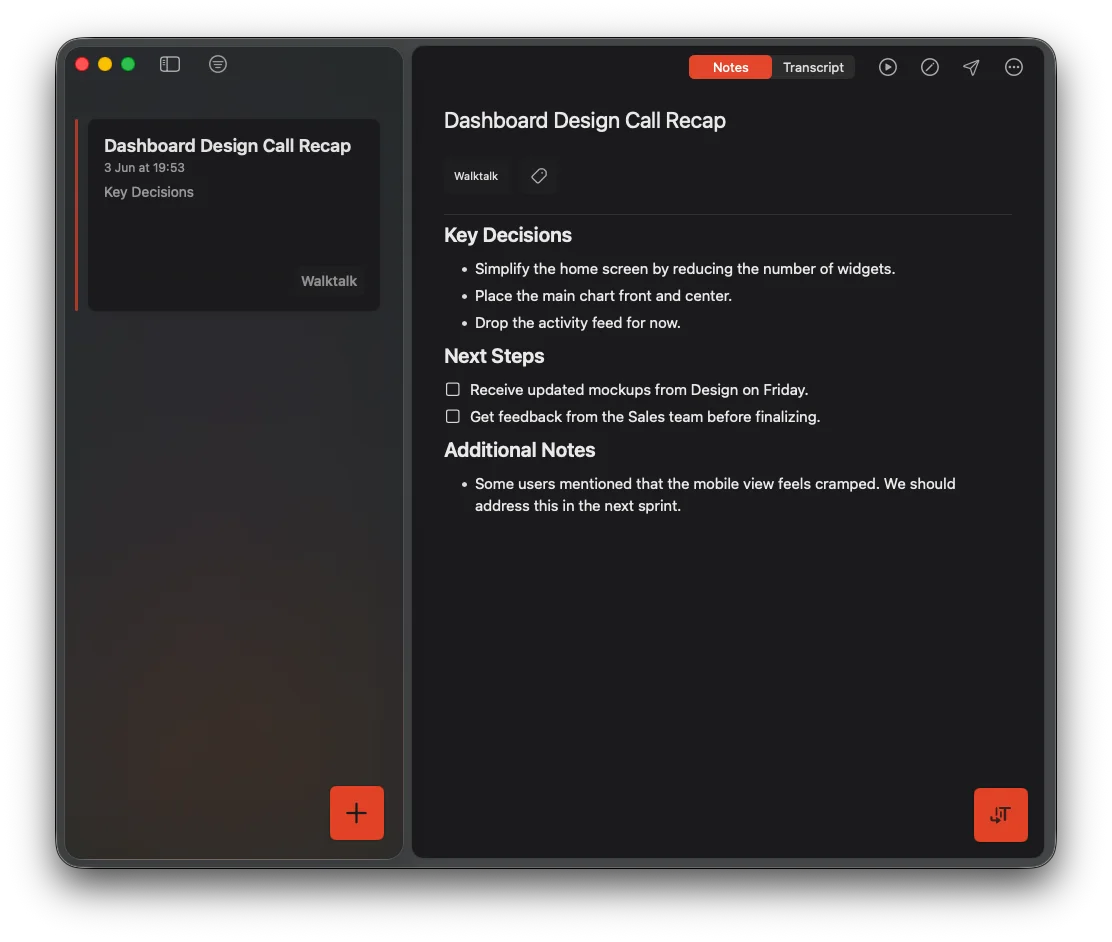
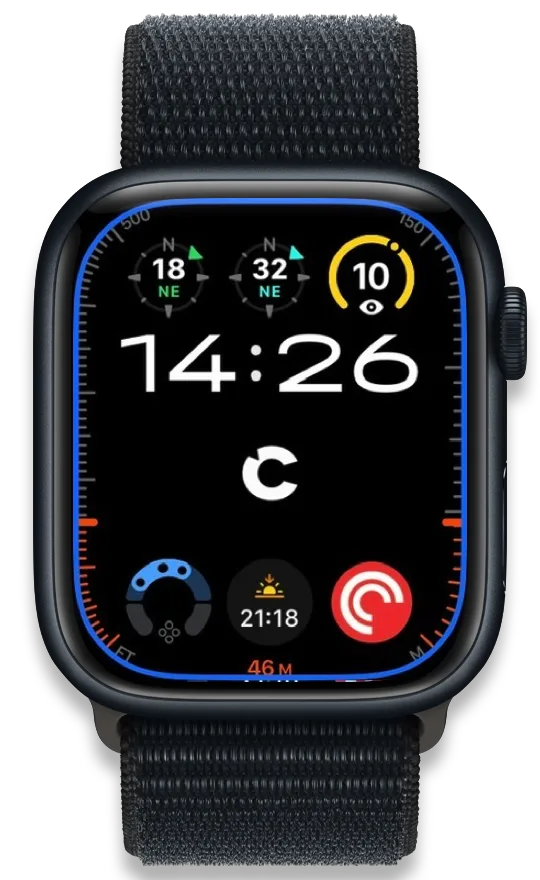
Capture thoughts before they vanish on iPhone, iPad, Mac, Apple Watch, or CarPlay. Cleft turns the ramble into a finished note you can keep or send to the apps you already use.
Start with capture, not organization. Speak or type, then keep or send the note. Cards marked Coming in 1.15.0 are expected in the coming days and are not on the App Store yet.
Coming in 1.15.0
Use Base, Small, or Large v3 on eligible devices, or Apple Speech on system version 26 or later.
Coming in 1.15.0
Save scopes and tag filters as Views. Pin key notes and browse Favorites on iPhone, iPad, and Mac.
Coming in 1.15.0
Open saved notes first. Cleft prepares more of your library on Wi-Fi while you keep reading.
Coming in 1.15.0
New recordings stay on your device by default. With Plus, upload future audio to play or share elsewhere.
Coming in 1.15.0
Remove a recording while keeping its title, transcript, notes, tags, and attachments.
Coming in 1.15.0
Send a note directly to Drafts or Bear, with its title and tags, on iPhone, iPad, and Mac.
Coming in 1.15.0
Local Sync becomes Local Export. Choose metadata profiles, preview files, and send notes one at a time.
Coming in 1.15.0
Give AI apps read-only access on Mac through local exports, or connect your account library with Plus.
Coming in 1.15.0
Send each completed note as JSON to your HTTPS receiver with Webhooks beta.
Coming in 1.15.0
Hide notes with selected tags, show favorites, quiet sounds, or start a voice note when your Focus turns on.
Coming in 1.15.0
Choose a writing style for your Apple Watch complication, then start a voice note from your watch face.
Turn voice into text on iPhone, iPad, or Mac. Signed-in notes still sync securely.
Record and transcribe with no signal. Cleft finishes the note when you are back online.
Send to Notion, Apple Notes, Zapier, Obsidian, Bear, NotePlan, Drafts, Ulysses, and Logseq, or any app.
Notes, note style, theme, rules, and export choices follow your Apple devices.
Get 30 minutes for meetings, lectures, and walks without cutting yourself short.
Copy each finished note automatically. With Plus, choose which parts Cleft copies.
Each app has controls, shortcuts, and capabilities designed for the device you are using.
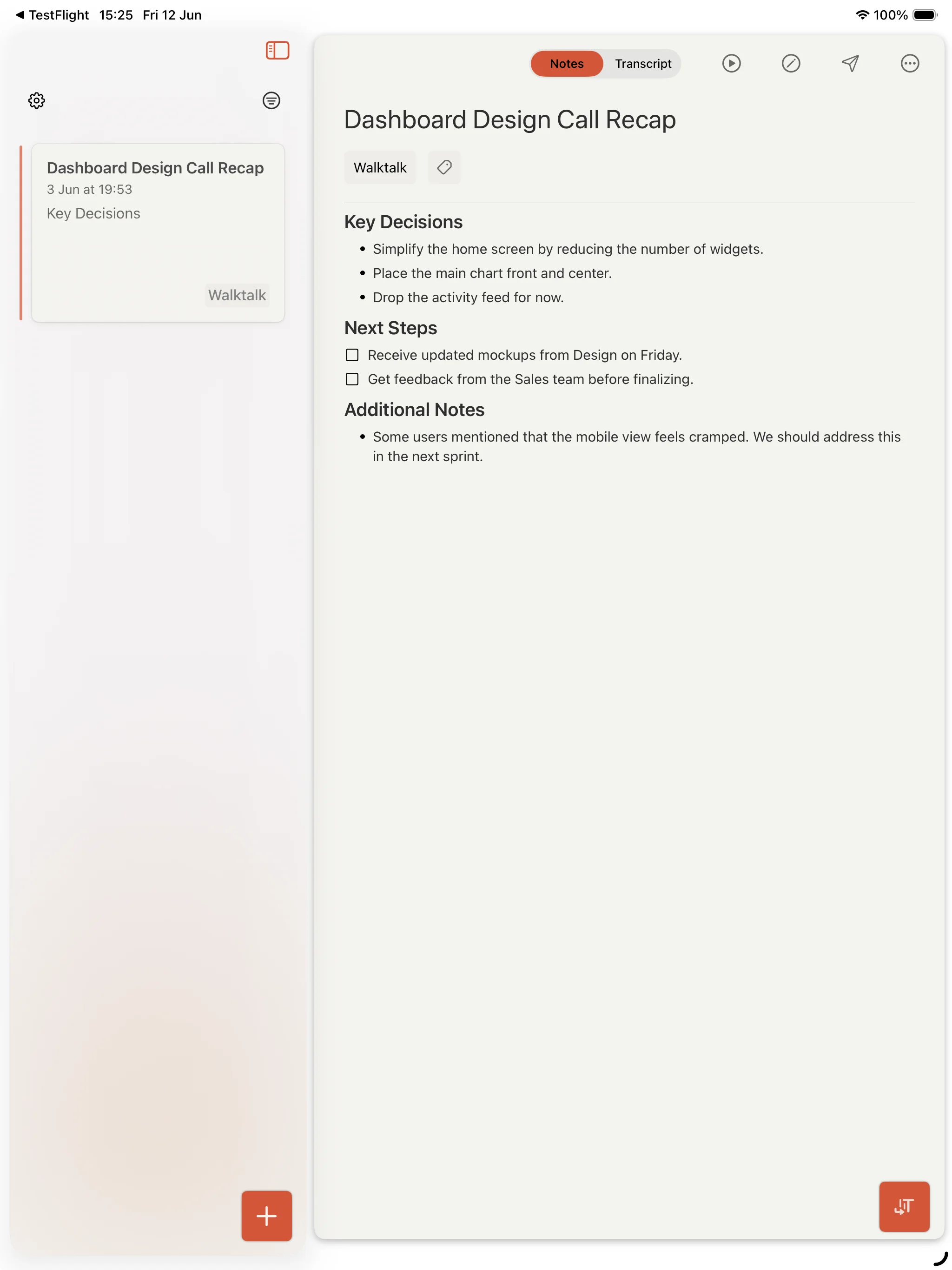
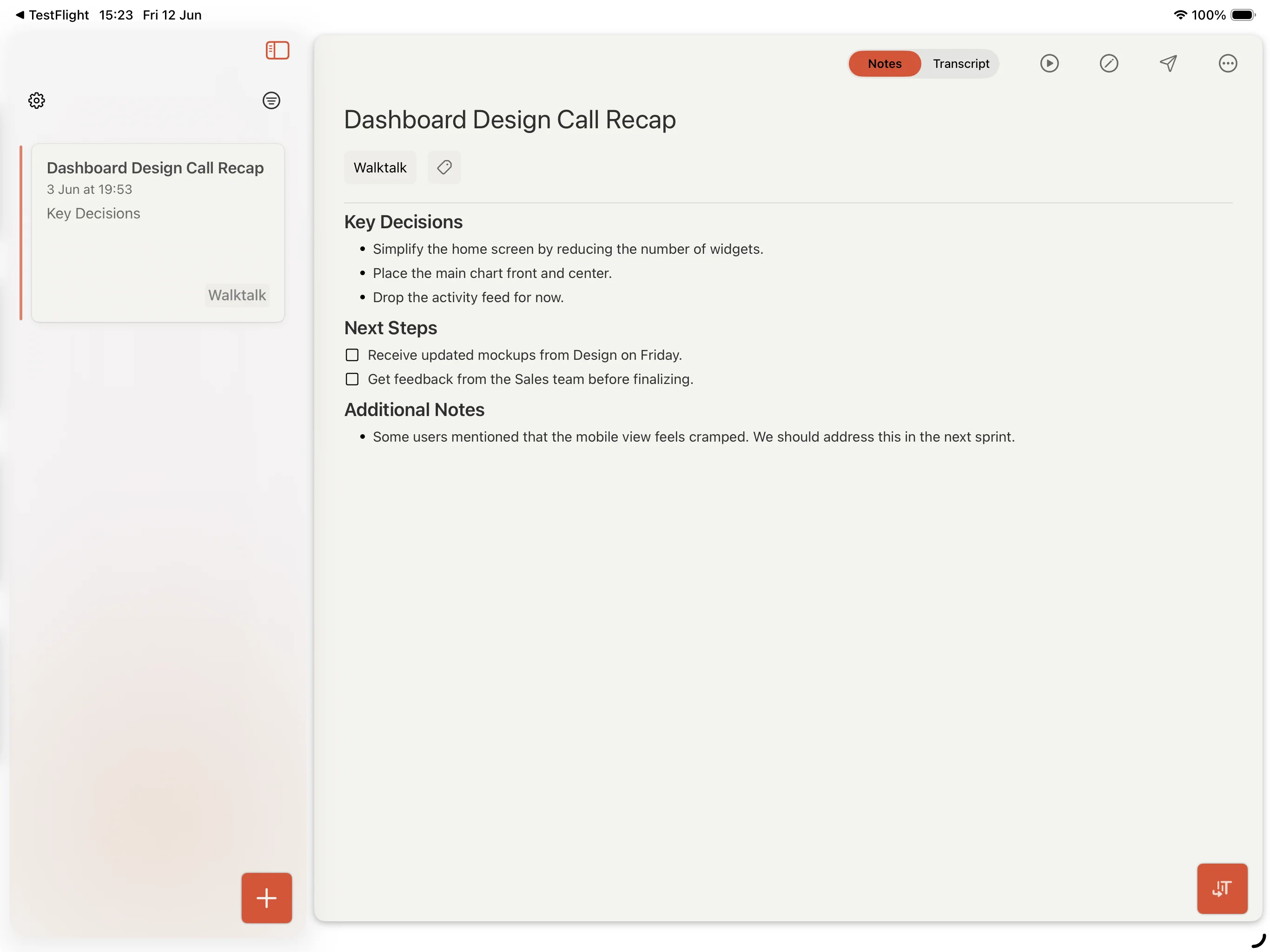
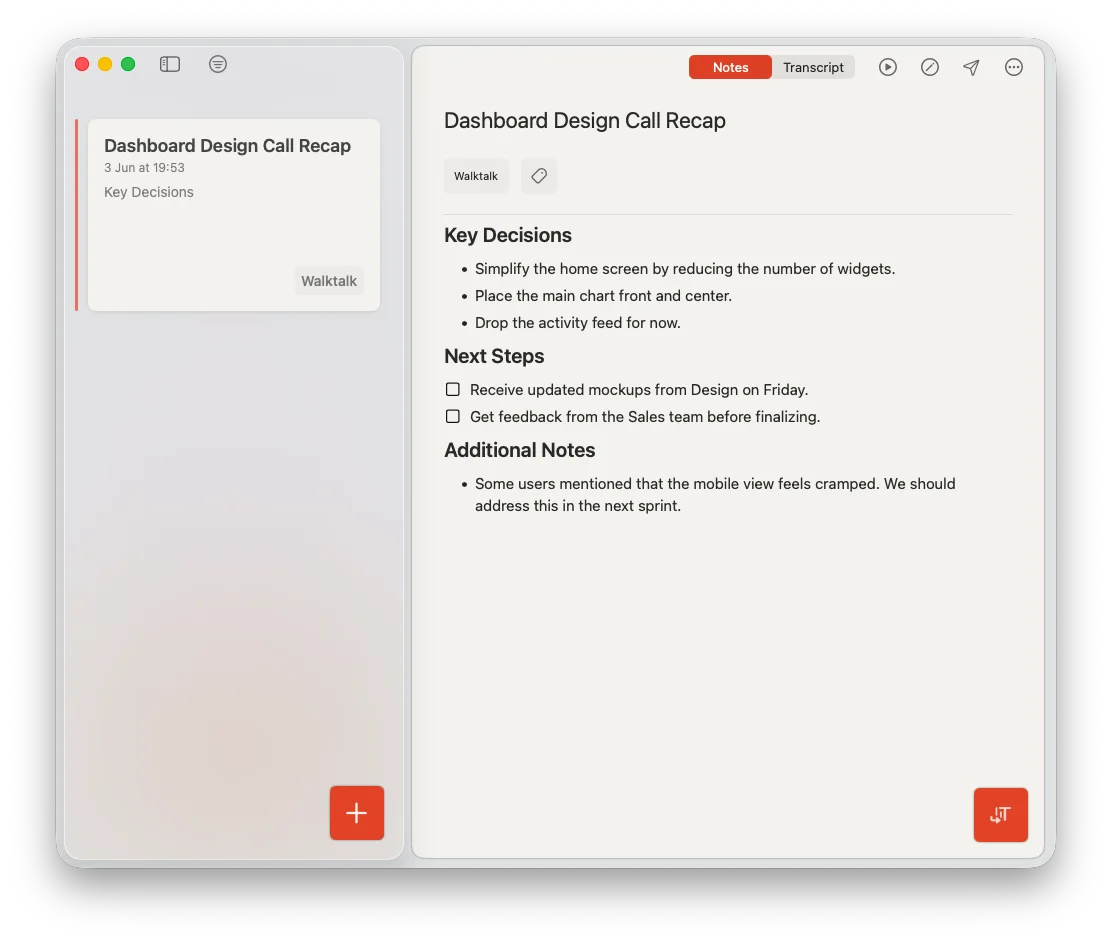
Cleft for CarPlay
Start a recording from CarPlay. Cleft turns it into a structured note, ready on your iPhone, iPad, or Mac.
See how CarPlay works →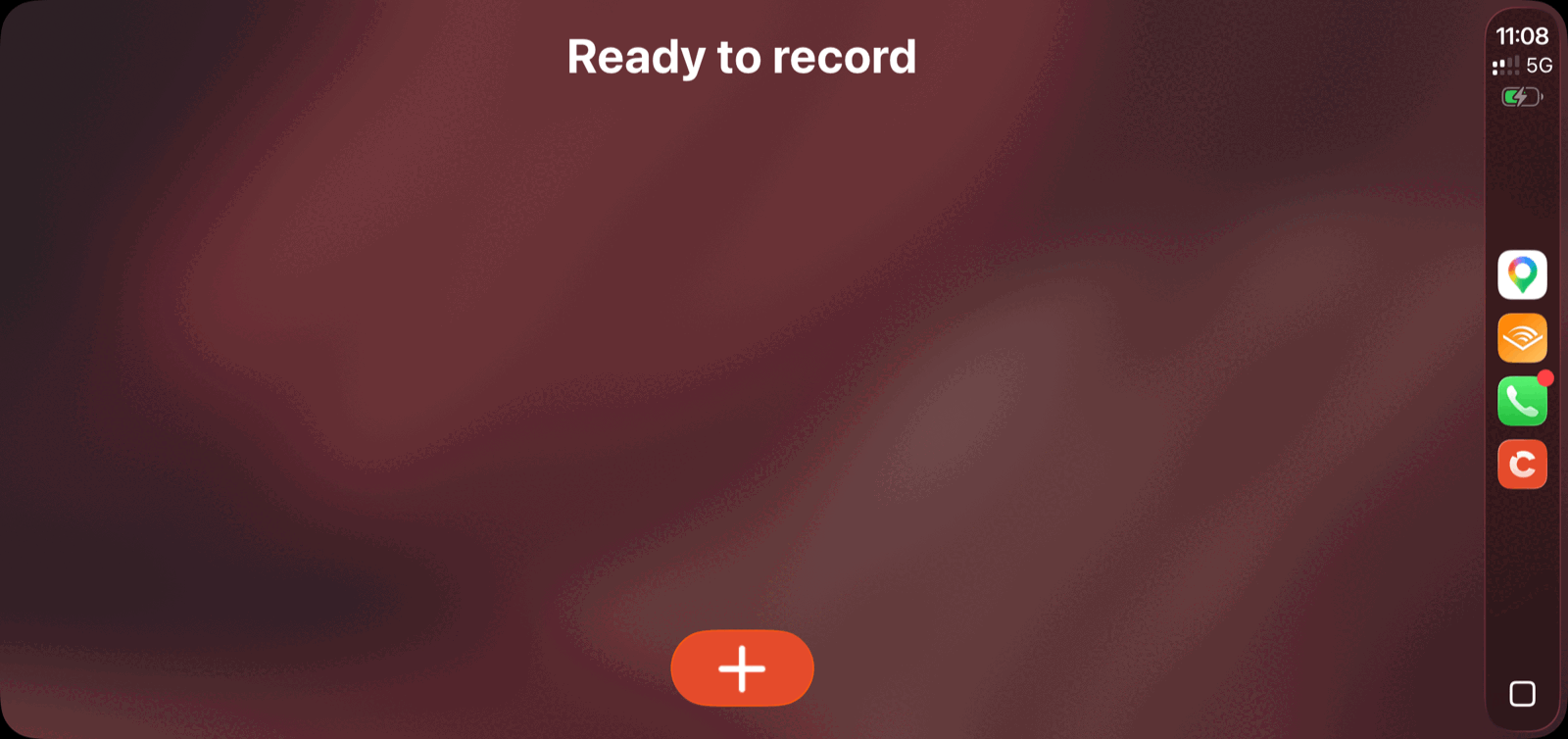
Available in Cleft 1.14
Work with Markdown metadata, Apple Shortcuts, Zapier, and Mac keyboard controls today.
Local Sync files carry readable names, stable IDs, timestamps, source, and tags.
Search notes, export notes, fetch transcripts, and build Cleft into Apple automations.
Start recording globally, search shortcuts, and jump through note lists without leaving the keyboard.
Proven workflows live in Learn today, with in-app recipes next.
Turn recurring work into reusable styles on the recording dial.
Connect Cleft to Shortcuts, Zapier, and local folders with ready-made recipes.
Planned for 2.x
After 1.15.0, the roadmap continues with stronger offline foundations, more capture surfaces, and improved summaries.
From Cleft customers
The output formats are awesome and the prompt engineering they've done behind it really is thoughtful.
I was in the testing pool and it was incredible, borderline life changing. Was happy to finally subscribe.
Cleft caught my verbal processing of a new idea and turned it into something that actually looks like a great idea.
As someone with ADHD who's a little spacey but has a lot to do, this app is very helpful.
This is a natural application for AI: taking spoken content, summarizing it, and categorizing it into a workable outline. Cleft is already successfully doing that.
I have very quickly adapted to using Cleft for longer notes and rambles that I want to use as structured text.
Fast by default. 5 minutes per recording. On-device transcription. Sign-in required.



Need longer recordings or custom styles? See pricing