
Release note · v1.13.0
Think while you drive.
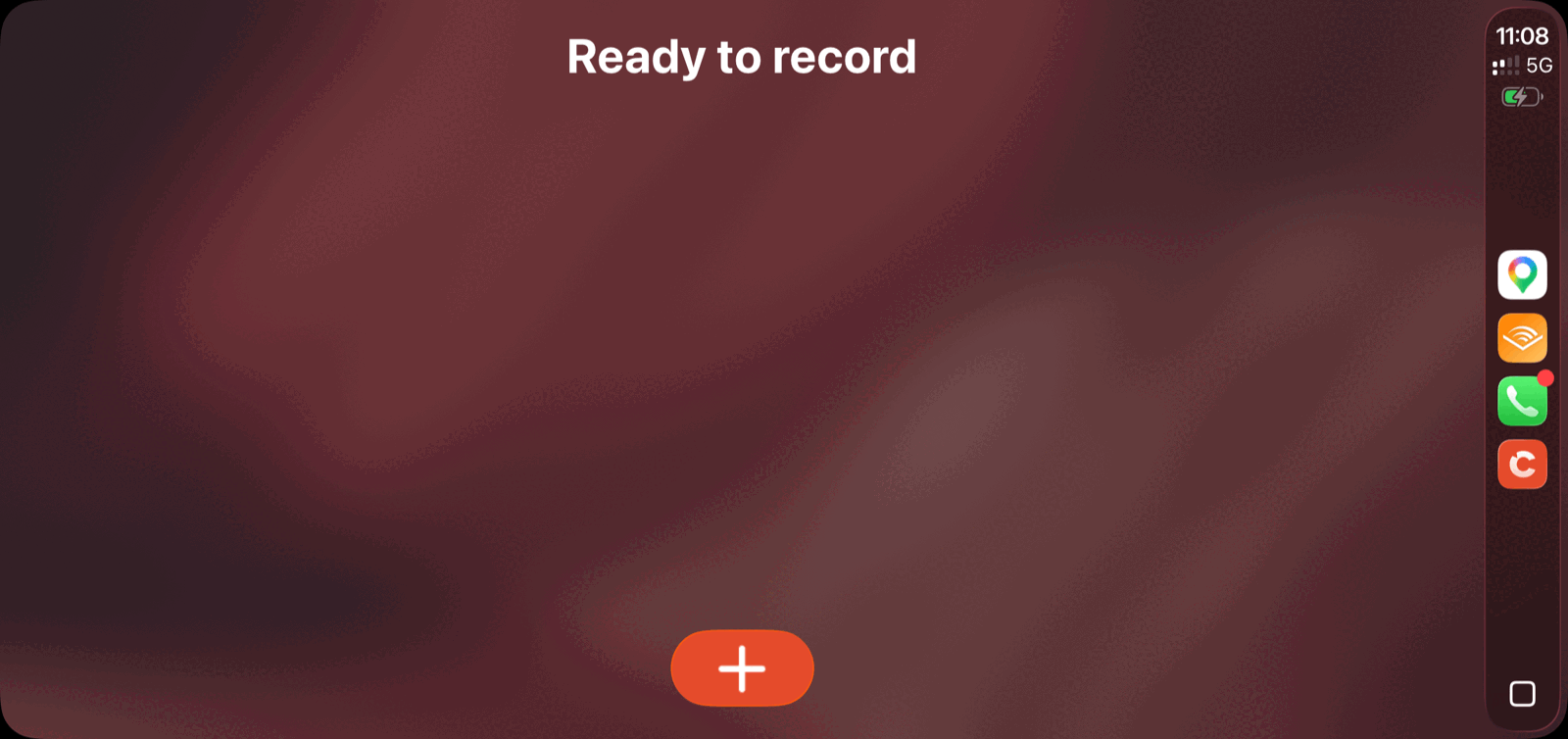
Record a voice note while you drive. With CarPlay you can capture a thought, save it in a tap, and start the next one, all without reaching for your phone.
iOS build 133 · macOS build 157 · watchOS build 133 · CarPlay
01: Hands-free
Capture a thought, then keep driving.
Tap New Note on your car screen, speak, and your note is waiting on your phone when you arrive. Hit stop, and Cleft saves the screen instantly, so the next thought never has to wait for the last one to finish processing.
- Pause & resume. Timer freezes while you collect yourself.
- Smaller files. ~⅕ the upload size, faster on patchy signal.
- Spot CarPlay notes. Steering-wheel mark on every recording.
02: Notion · Plus
Pick your database once. Forget it forever.
A new Send button on the note toolbar puts Notion and three Copy options: Markdown, Plain Text, and Transcript. One tap away. Pick a Notion database once in Settings, and finished recordings push there with no per-note tap.
1 tap.From recording → Notion
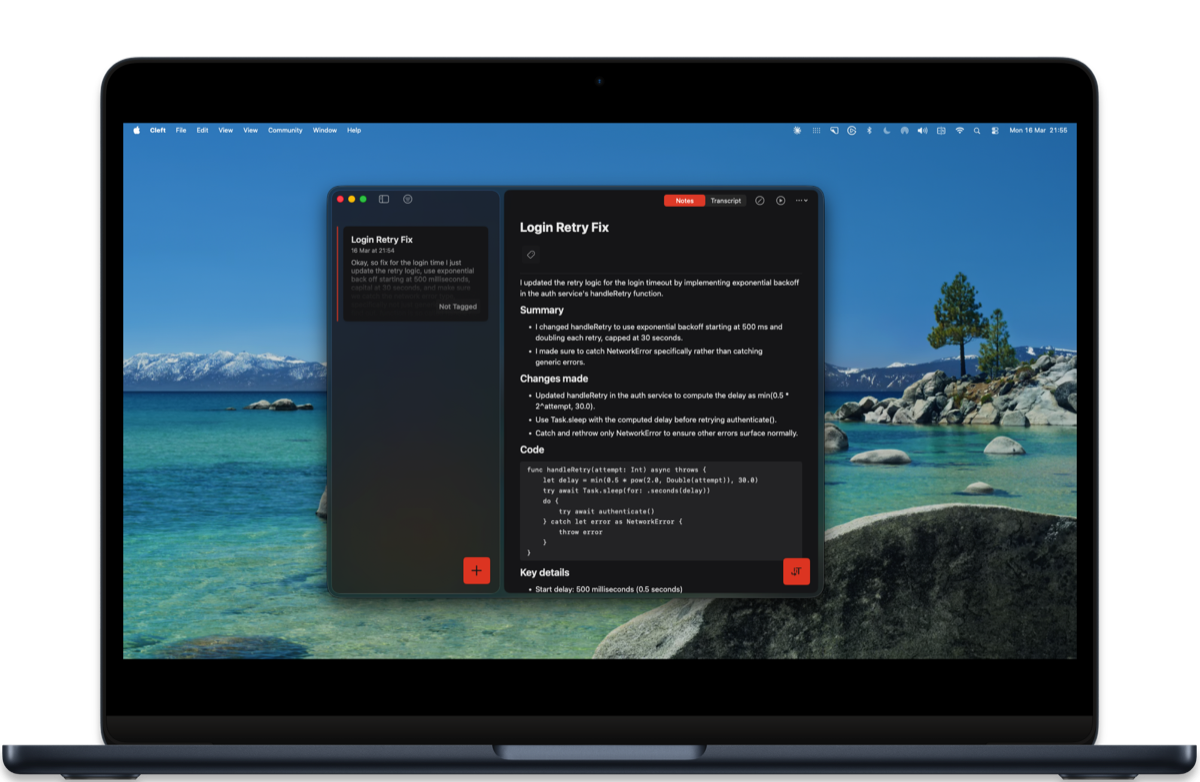
- Auto-send. Plus users pick once, never tap again.
- Tidy your library. Optional toggle archives a note the moment Notion confirms.
- Manual matches automatic. Same destination, every time.
03: Everywhere
Cleft, on every surface you reach for.
Pin notes to your home screen, continue your last note from Control Center, or talk to Siri. Three new touchpoints that meet you wherever you already are.
- Pinned Note widget. Long-press a note in your list, or tap Pin to Widget from the ••• menu. Stays front-and-centre on the home screen until you pin a different one. iOS · iPadOS · home screen
- Continue Last. A new widget that always points at your most recent note. Control Center adds a Continue Last button that picks up exactly where you left off. iOS · Control Center
- Siri end-to-end. “Hey Siri, search my Cleft notes.” Search Notes, Get Last Transcript, Export, Get Note Summary. All return real results from your account. Siri · Shortcuts · Share Sheet
Highlights from the rest.
Improvements
- Press record and go. Bluetooth and AirPods are ready the moment you tap record.
- Hear the full save tone. The chime no longer cuts off short.
- A cleaner note toolbar. Pin to Widget moved into the ••• menu.
- Mac commands where you'd expect them. Zoom & Show / Hide live under View.
- Window menu always available on Mac. Reopen notes from the menu bar anytime.
- Close the window without quitting. Cmd+W keeps Cleft running in the Dock.
- Faster scrolling. Tag filtering and note loading are noticeably snappier.
- Bigger text, still sharp. Note text scales with Dynamic Type.
Fixes
- Music picks back up on its own. Apple Music, Audible, Pocket Casts resume after save.
- Upgrade to Plus mid-drive. Longer recording time available right away.
- Continue waits for slow saves. Recorder stays open until your save confirms.
- Recording stop is crash-safe. Notes survive interruptions and call cuts.
- Transcription handles low memory. Retry option instead of an end.
- Subscription loads cleanly at launch. No more flicker on slow networks.
- Watch & CarPlay sync reliably. Offline recordings arrive the moment you're back online.
- Less storage used. Intermediate audio files are tidied up after save.
Thanks to Andy S, Parker K, Dave W, Rich P, Andrew M, Alex M, Gila R, Ahmed L, Jaime B for testing this release and reporting the edges.
Read the complete v1.13.0 changelog for every shipped change, build number, and guide link.