
Release note · v1.12.1
Built to last.
No new buttons to find, just a tougher, more accurate version of what you already rely on. Better transcription, quiet recordings, and cleaner code blocks.
iOS build 72 · macOS build 117 · watchOS build 72
01: Code blocks
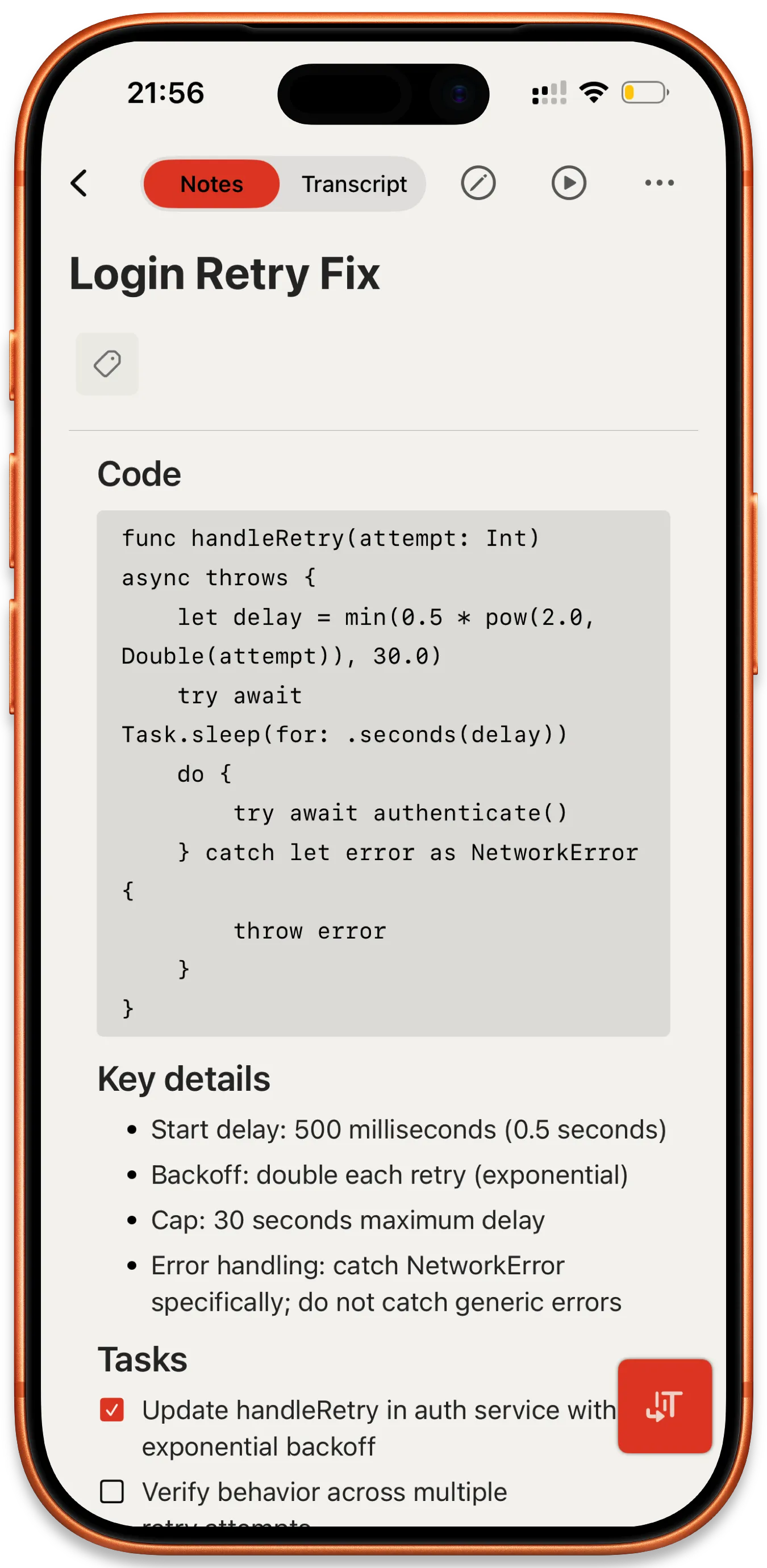
Code blocks look the part.
Monospace font, proper background, distinct in both themes. Code blocks now render the way you'd expect them to in any modern note app. Paste a snippet, screenshot it, share it without translation.
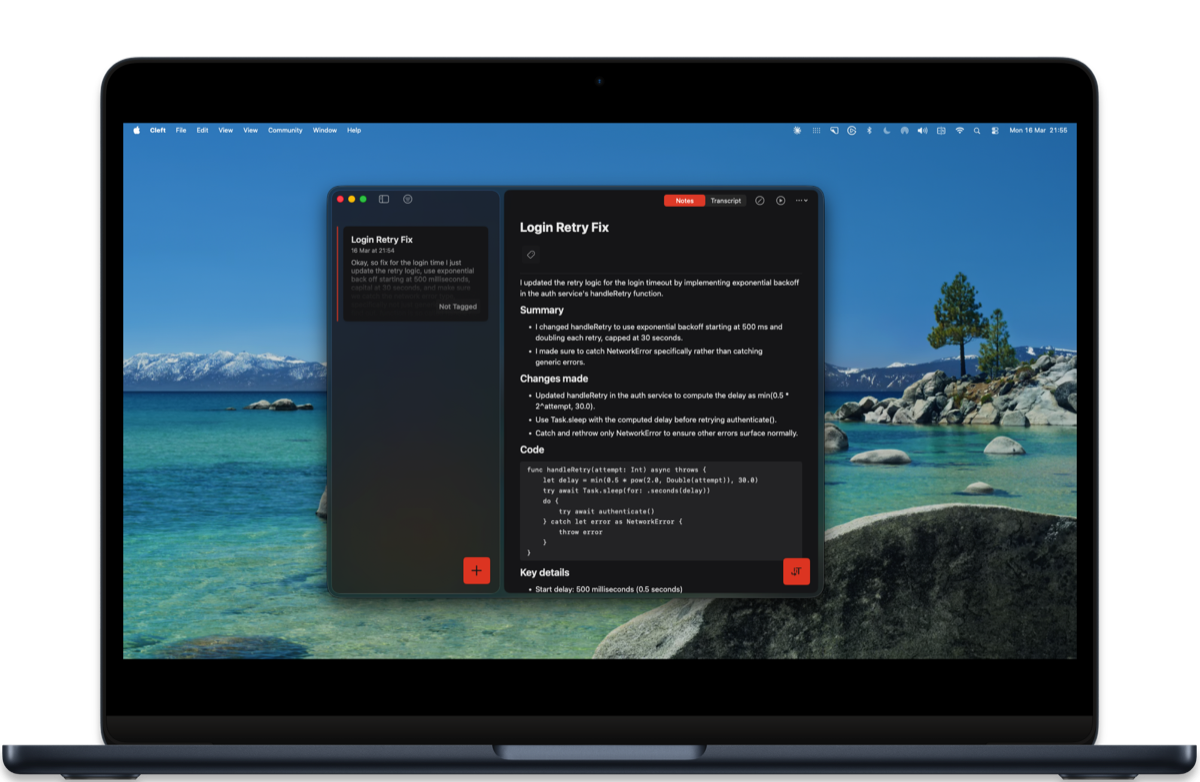
- Monospace font. Set automatically inside fenced blocks.
- Distinct background. Stands out from prose without shouting.
- Both themes. Light and dark, no contrast surprises.
02: Transcription
Three transcription wins, one release.
Phantom words from quiet rooms are caught and dropped. Low-volume audio is normalised before transcription. Long titles get a progress indicator instead of disappearing into a spinner.
- No phantom words. Catches words that aren't actually in your audio. iOS · macOS
- Quiet audio works. Low-volume recordings sound right before transcription. iOS · macOS · watchOS
- Title progress. Indicator while longer titles generate, instead of dead air. iOS · macOS
Highlights from the rest.
Improvements
- Back means back. Navigating away cleans up properly.
- iPad / Mac split view. Selected note stays put when you refresh.
- Quieter background. Reduced unnecessary background activity, better battery.
Fixes
- Way more stable. Fewer crashes across iPhone, Mac, Watch.
- Deep links + paywall. Tapping a link no longer gets stuck behind paywall flow.
- Audio is protected. Upload interruptions can't delete your recording.
- Code blocks render. Note bodies handle fenced blocks correctly.
Thanks to marpa73, Nigel, Solange, Vince C, writethecheck for testing this release and reporting the edges.
Read the complete v1.12.1 changelog for every shipped change, build number, and guide link.